Meet Clawdbot: The Local AI Agent That Actually "Does" Things
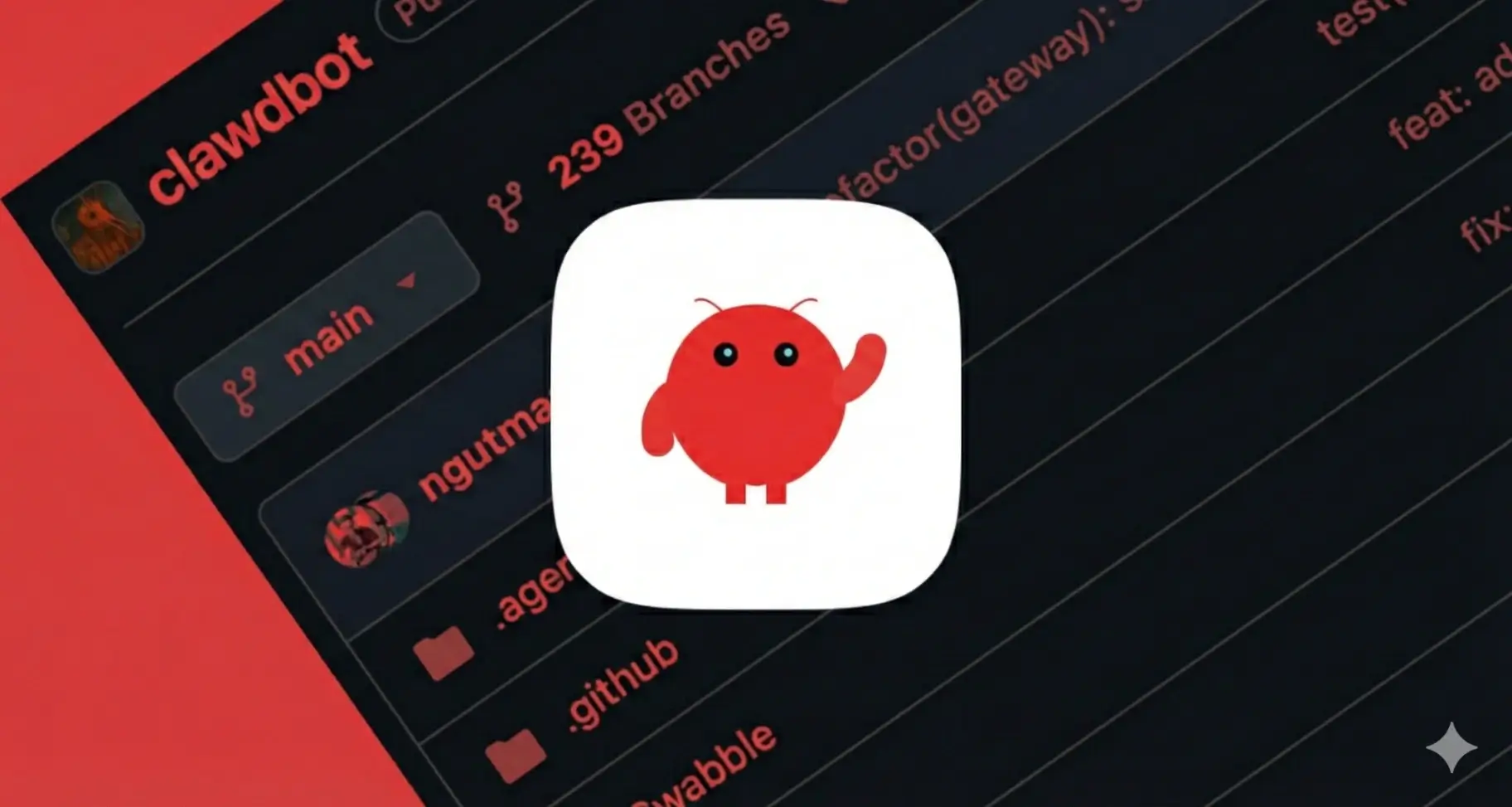
If you’ve been following the AI space recently, you’ve likely heard the buzz surrounding a new tool called Clawdbot (often stylized as clawd.bot). It’s being hailed by developers and early adopters as the first glimpse of a true "AI Butler"—not just a chatbot that answers questions, but an agent that performs actions.
Unlike the cloud-based assistants we've grown accustomed to, Clawdbot represents a shift toward local-first, action-oriented AI. Here is everything you need to know about the bot that is making people rush to buy Mac Minis.
What Exactly is Clawdbot?
At its core, Clawdbot is an open-source, self-hosted AI assistant created by Peter Steinberger.
Think of it as the "body" for an AI "brain" (typically Anthropic's Claude). While standard AI models live in a browser tab and are trapped there, Clawdbot runs locally on your own hardware (like a Mac Mini, Linux server, or Windows machine). It connects to the messaging apps you already use—WhatsApp, Telegram, Discord, or Slack—serving as a bridge between your chat window and your computer's operating system.
Key Differentiator: Because Clawdbot runs on your machine, it has "hands." It can execute terminal commands, manage files, browse the web, and control your screen.
The Three Killer Features
Clawdbot is gaining traction because it solves three major frustrations users have with current LLMs (Large Language Models):
1. It Has Persistent Memory
Most chatbots reset their context when you start a new session. Clawdbot is designed to remember. It maintains a long-term memory of your projects, preferences, and past conversations. If you tell it you are working on a specific coding project on Tuesday, it will still know the context when you follow up on Friday.
2. It Is Proactive, Not Reactive
Standard AI waits for you to type. Clawdbot can be configured to message you.
- Morning Briefings: It can scan your calendar and emails and text you a summary of your day before you even get out of bed.
- Alerts: It can monitor stock prices, server status, or specific web pages and ping you on Telegram when something changes.
3. "Computer Use" (The Holy Grail)
Leveraging the latest capabilities from models like Claude 3.5, Clawdbot can interact with your computer's interface. It can open a browser, navigate to a URL, click buttons, fill out forms, and take screenshots. This allows for complex workflows, such as:
- "Go to my cloud provider, download the latest invoice, and save it to my 'Taxes' folder."
- "Check these three competitor websites and summarize their pricing changes."
Why The Hype?
The excitement (and the "FOMO") driving Clawdbot's popularity comes from the sovereignty it offers.
In an era where we are increasingly wary of sending personal data to the cloud, Clawdbot keeps the execution layer local. Your files, your terminal, and your sensitive data stay on your machine. The AI model only receives the necessary context to process your request.
For developers and power users, this is the "Jarvis" dream realized: a programmable assistant that lives in your pocket (via WhatsApp) but executes tasks on your powerful desktop at home.
Should You Install It?
Clawdbot is currently a tool for builders and tinkerers. Setting it up requires some comfort with the command line, Node.js, and potentially Docker. It is not yet a "one-click install" consumer product, but for those willing to brave the setup, it offers a level of power and automation that standard chatbots simply cannot match.
If you are ready to let an AI drive your computer, Clawdbot might just be the most exciting download of 2026.